

One platform for every school, campus and client. Each with its own brand.
Every school, campus or client company gets its own branding, web address and administrators. AI agents draft the courses, the marking and the reports — and every one of them waits for a person to approve it.
Your brand, your address
Every organisation looks like its own
Grounded in your own documents
Every draft shows where it came from
GDPR · FERPA · DPA
Agreements your legal team can sign
Priced by size, not per course
Every plan and limit listed in full
Find the shape that looks like yours
The platform is the same for all four. What changes is how you set it up — and what your people call things.
AI agents that draft. People who decide.
Most platforms selling agentic AI are selling autonomy — agents that act without waiting for anyone. Lurno's agents do the same work and stop. Nothing reaches a learner, a grade or a report unless someone accepts it first.
Agents do the work. People keep the decisions.
Course authoring
The agent doesDrafts lessons, outlines and questions from the documents you upload, showing the page each point came from.
You decideYou accept or reject every draft before it becomes a course.
Marking
The agent doesSuggests a score against your rubric, with the reasoning written out beside it.
You decideYou release the grade. The agent never can.
Reporting
The agent doesTurns a question typed in plain English into a report you can open, chart and save.
You decideYour permissions decide what it is allowed to show you.
Tutoring
The agent doesGives learners hints, re-explains the idea and works through a similar example.
You decideThe learner still does the work — it will not hand over the answer.
Running it
The agent doesProposes changes across your organisations and points out what looks wrong.
You decideThe serious changes need two people to approve them.
This is architectural, not a setting: an agent has no path to release a grade or publish a course. You can also switch the agents off entirely for any organisation, and everything else carries on working.
Ask a question. Get a report back.
Type what you want to know the way you would say it out loud. What comes back is a real report you can chart, export and keep on a dashboard — no query builder, and no waiting a week for someone else to run it.
The agent writes the report, not the answer — it never reads your data itself. What comes back runs through exactly the same permission checks as every other report, so it can only ever show you what you were already allowed to see.
How reporting works4 of 12 schools below 80% complete
Grouped by school, over the last 30 days.
- Northbridge High
- 94%
- Eastgate Primary
- 88%
- Riverside Academy
- 71%
- Fairmount College
- 62%
Illustrative. School names and figures are examples. Your administrator switches AI features on.
One course. Every organisation's own front door.
Build a course once. It shows up inside every organisation under their name, their colours and their own web address — and you keep one copy up to date instead of fifteen that have quietly drifted apart.
- learn.northbridgetrust.exampleNNorthbridge Trust
School group · 12 schools
Safeguarding · Level 2
- learn.atlasindustrial.exampleAAtlas Industrial
Client company
Safeguarding · Level 2
- learn.caldertraining.exampleCCalder Training
Training provider
Safeguarding · Level 2
Illustrative. Organisation names are examples.
Three things institutions buy it for
Courses drafted from your own material
Upload the documents a course should be built from — a syllabus, a policy, a standard — and what gets drafted comes from them, with the source shown next to every point. Nothing appears in a course until someone accepts it.
- Lesson text, module outlines, activities and questions
- A tutor that helps learners without giving away answers
- Marking suggestions against your rubric, which you release
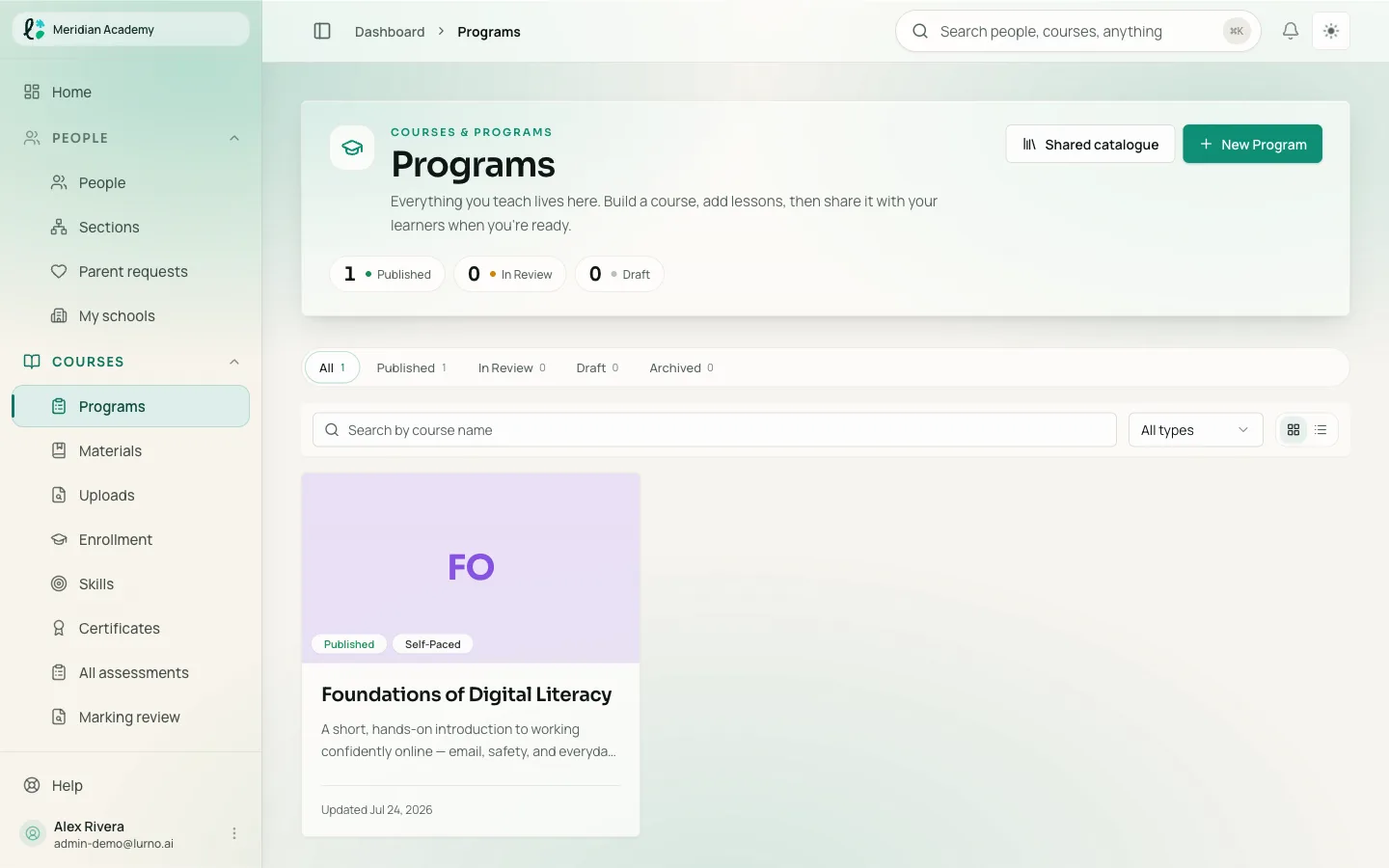
Marking that holds up when someone checks it
Rubrics, peer review, portfolios and moderation, in one place across every course and every organisation. Skills carry the evidence that earned them, so a record still means something later.
- Every way you already assess, in one place
- Tests that adapt to each learner
- Certificates anyone can check, on your own web address
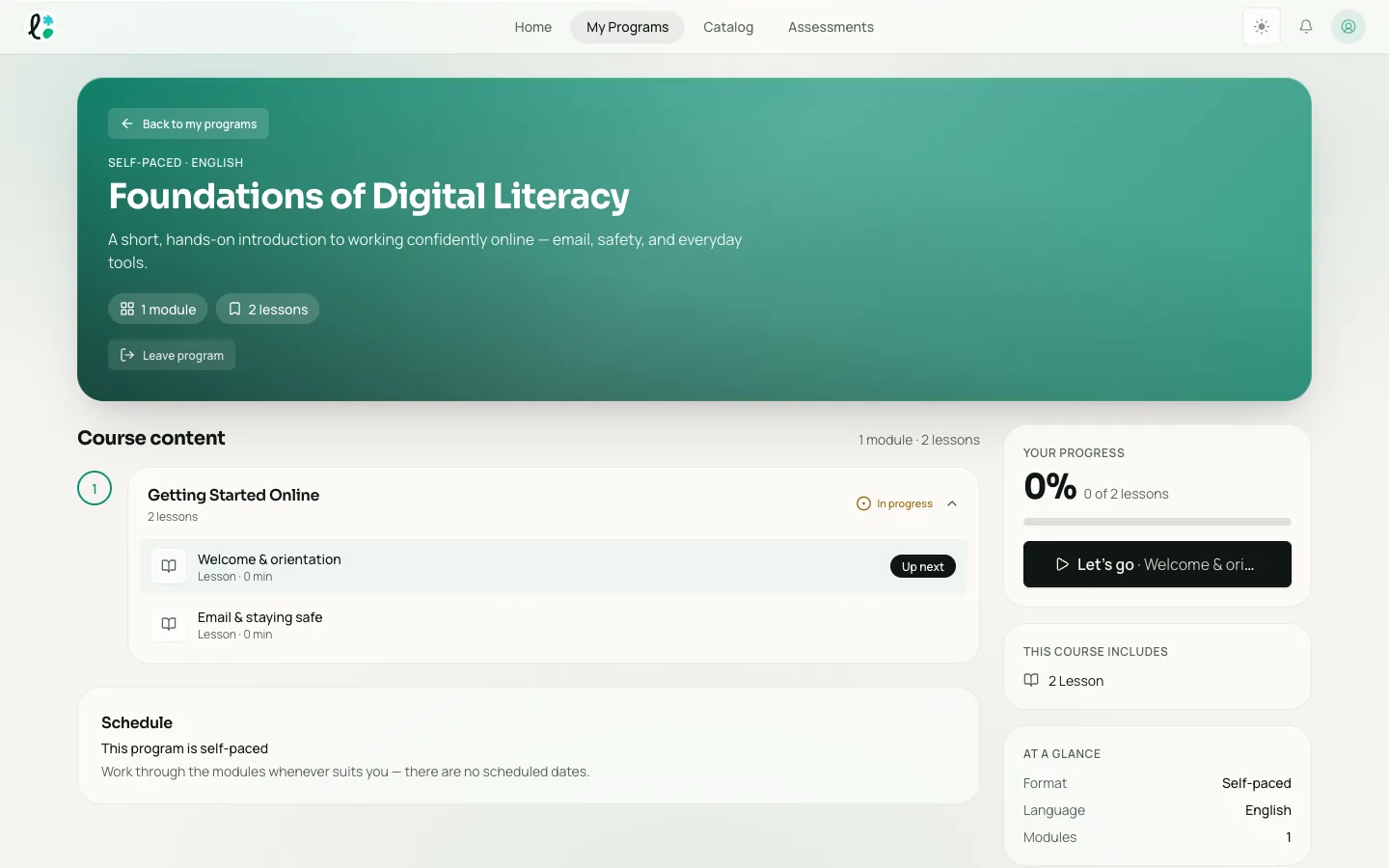
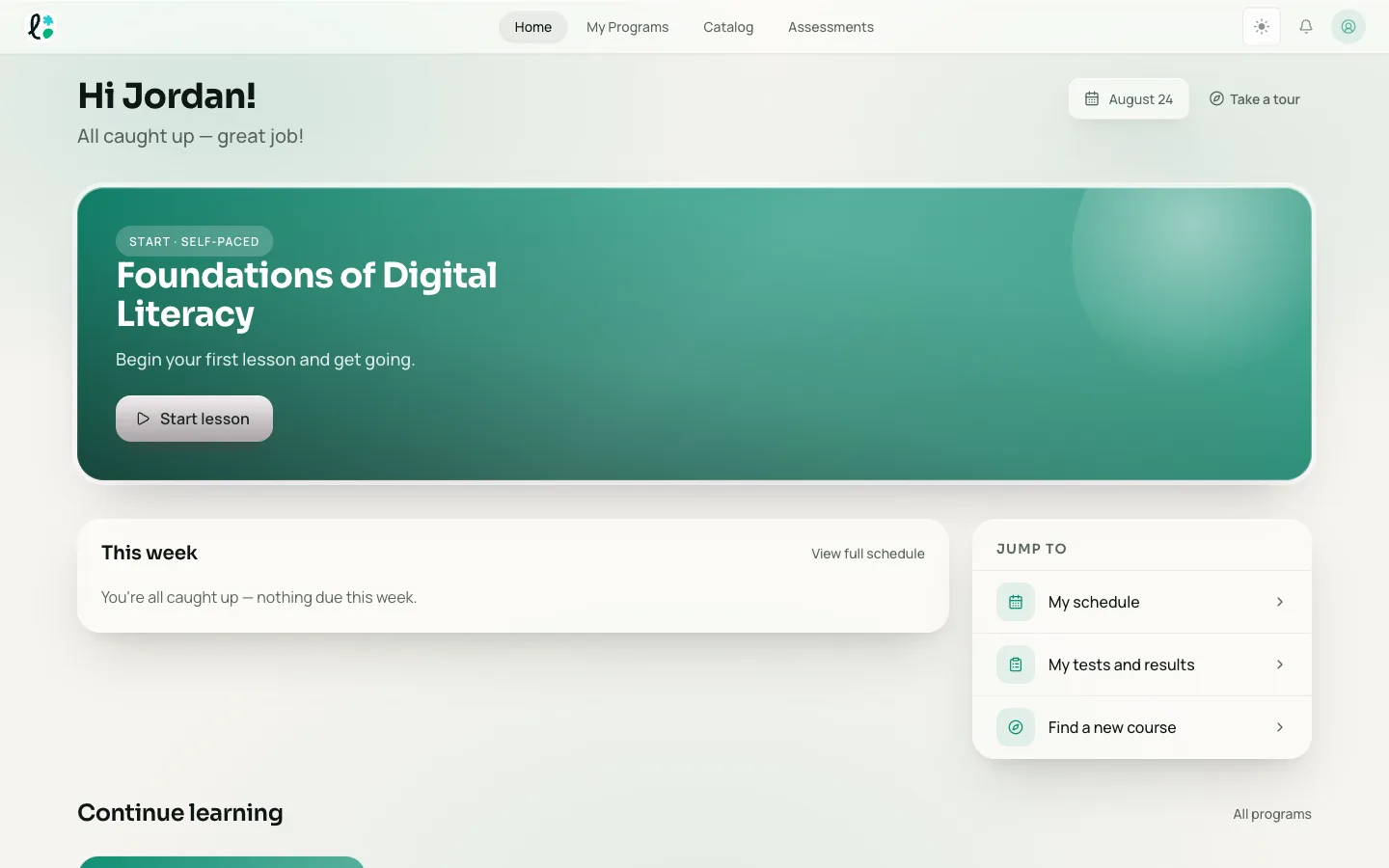
A learner experience people actually finish
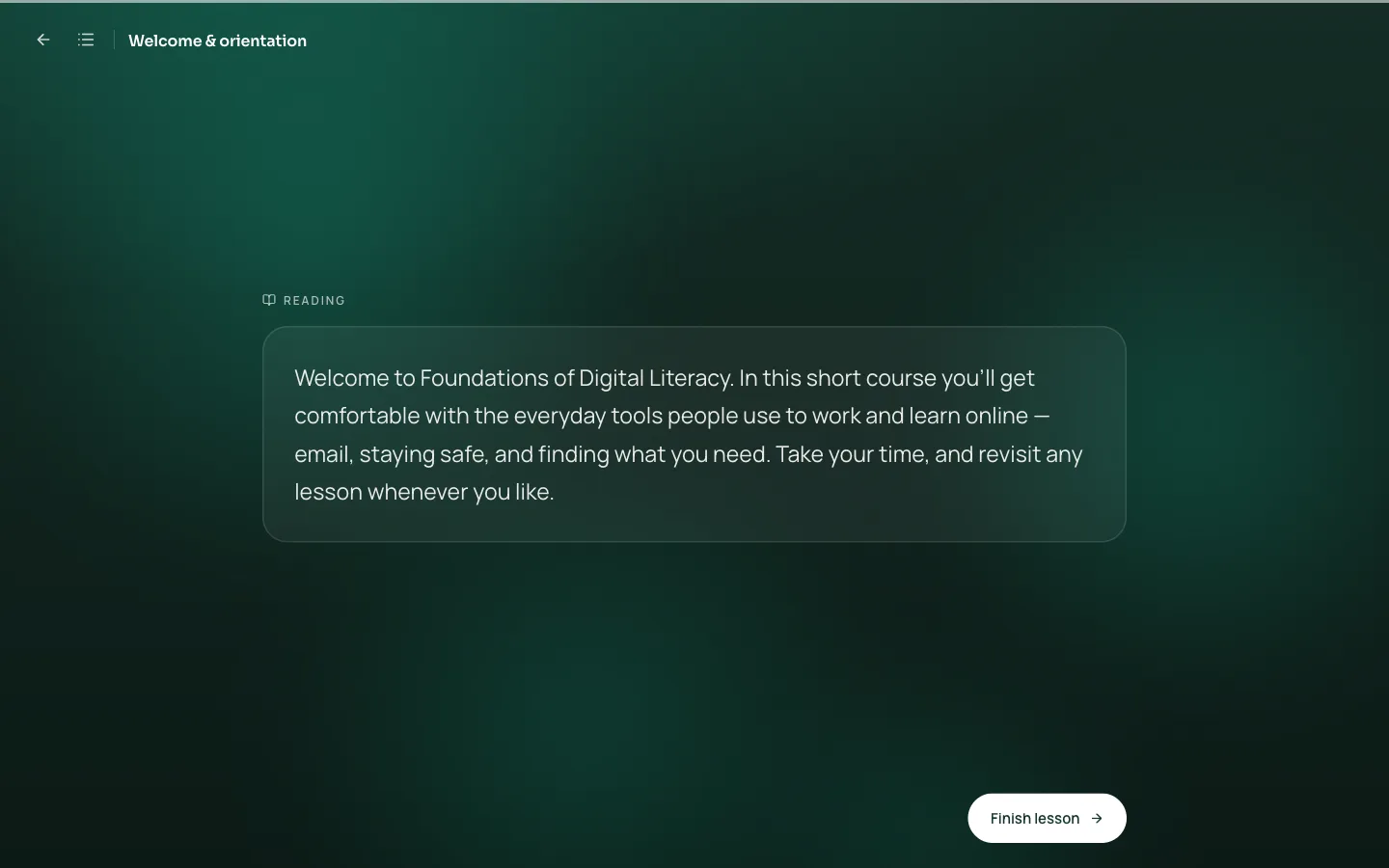
Lessons open full-screen with one thing on them. Parents and guardians see only what you decide to share. Staff wellbeing is only ever reported for groups big enough that nobody can be picked out.
- Multi-language, with full right-to-left support
- Rename anything to match what your people already say
- Built to WCAG 2.1 AA, checked automatically on every release
The tools your team already uses, inside the lesson.
Video, meetings, design files, documents and forms open where the learner already is. Paste a link — there is nothing to rebuild and nothing to keep in sync.
See every integrationHow institutions use it
One academy, 15 client companies
A corporate academy runs training for fifteen client companies from one place, each with its own brand and its own administrators.
One publisher, 114 schools
A K-12 publisher runs 114 schools together: shared curriculum, separate data, and one place where marking gets done.
Sign-in handed over from a client's portal
Learners click through from their company's own portal and arrive already signed in — no second password to remember.
Measured in days, not quarters
Standing up an institution used to be a term's project, because somebody had to write all the content first. The agents draft it from what you already have, so the platform side is a few days' work. What sets the pace after that is your people approving what was drafted.
- Day 1
Your structure exists
Your schools, campuses or client companies, the roles your staff actually hold, and your branding across all of it. This is configuration, not a build.
- Day 2
Your material goes in, and comes back drafted
Upload the syllabus, the policy, the standard. Agents draft courses from it with the source shown beside each point, so writing the content stops being the thing that takes a term.
- Day 3
Your people are in
Invite staff and learners, or import them from a spreadsheet. Everyone lands in the right organisation with the right access.
- Day 4
Your first cohort starts
Reporting begins filling in from the first day they do, so you can see whether it is working while you can still change it.
The honest variable is not the platform. It is how much you are bringing and how quickly your people approve what the agents drafted — and that approval is the part you wanted.
The questions that actually decide it
Bring your org chart to the demo.
About 45 minutes. We set your structure up beforehand, so you spend the call looking at your own organisations instead of watching a tour.